


Skip to product information


OW Film Lab — Kodak Vision3 250D
€69,00
Taxes included.
Instant download · DaVinci Resolve Studio · Cineon scan + Kodak 2383 print
A complete film lab in one DaVinci Resolve node. Your footage exposes a Kodak VISION3 250D negative, is developed, and printed onto Kodak 2383 for projection, calculated from Kodak's own data.
- Negative, development and print, not a fixed look
- Real lab controls: printer points, print density and DIR couplers
- 16 camera log profiles built in: ARRI LogC3 and LogC4, Sony S-Log3 (S-Gamut3 and S-Gamut3.Cine), Blackmagic Film Gen 5, RED Log3G10, Canon Log 2 and Canon Log 3, Panasonic V-Log, Apple Log and Apple Log 2, DJI D-Log, Fujifilm F-Log2, Nikon N-Log, DaVinci Intermediate and ACEScct
- One switch, two outputs: the Cineon negative scan, or that same negative printed onto Kodak 2383 as a finished Rec.709 image
Includes: one OW Film Lab Kodak Vision3 250D DCTL for DaVinci Resolve Studio. Balanced for daylight (5500K).
What's included
DCTL compatibility
FAQ
Release Notes
OW Film Lab 250D
Not a look.
A film lab.
Most film emulation copies what a finished frame looks like. OW Film Lab calculates how that frame was made: your image exposes a Kodak VISION3 250D 5207 negative, the negative is developed, and a lab prints it onto Kodak 2383 for projection. All of it inside one DaVinci Resolve node.
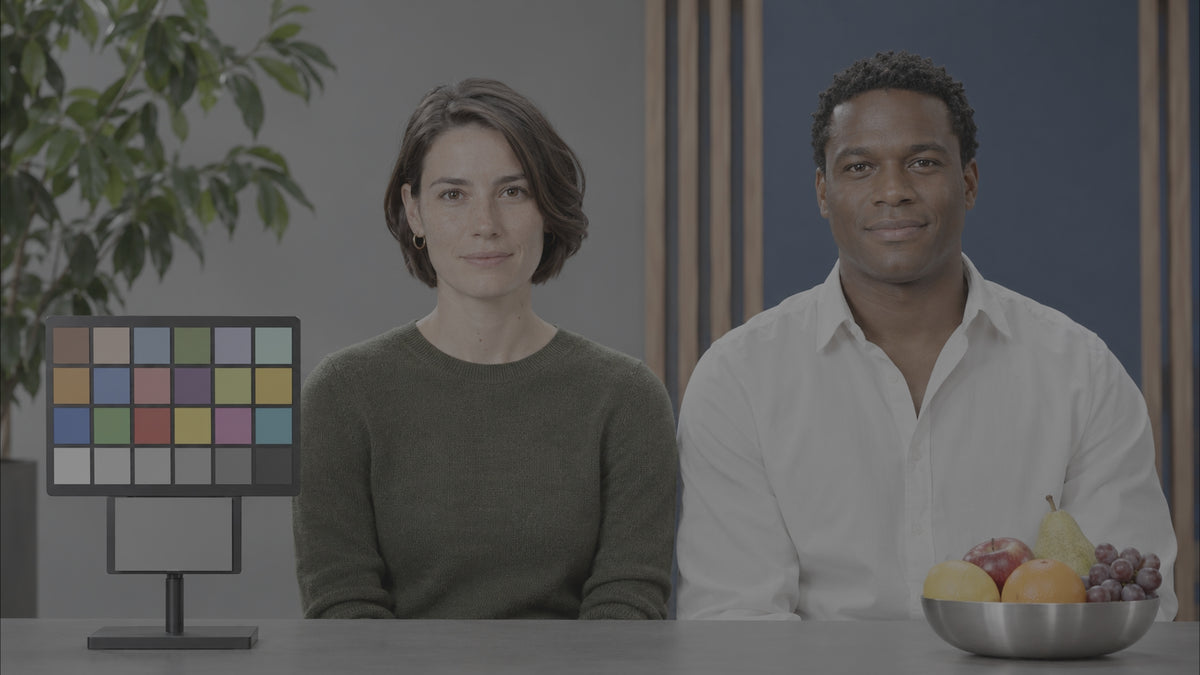


The same frame at every stage of the lab. Default settings, no grading.
What happens inside
Five steps of a real film lab, calculated per pixel.
- 01ExposureYour image becomes the light each of the film's three layers would receive, fitted to the stock's spectral sensitivity.
- 02DevelopmentEvery layer follows Kodak's own characteristic curves. The layers inhibit each other like DIR couplers in real film: colours separate, grey stays put.
- 03Negative scanTake the negative out as a Cineon scan, for your own print or finishing.
- 04PrintOr send it to the lab: the negative is printed onto Kodak 2383 through a real printer lamp, wavelength by wavelength.
- 05ProjectionThe print is projected with a xenon lamp and arrives as a finished Rec.709 image.
Measured, not tuned
Built from manufacturer data. Not tuned by eye.
73wavelengths, 380 to 740 nm, calculated for every print pixel
214real surface colours used to fit the film's spectral response
16camera log profiles decoded inside the tool
0.025log E per printer point, as on a lab printer
Every number in the tool comes from a manufacturer datasheet, from published film science, or from our own fit to them. Nothing was adjusted by eye to look "filmic".
Your lab controls
Time a print the way a colour timer did.
Printer points
Master · R · G · B ±241 point = 0.025 log E, as on a real printer. Warmer, cooler, lighter, darker.Print grey density
0.80 – 1.30How dense the lab prints mid-grey. The neutral balance is re-solved for every value.DIR couplers
0 – 3 · default 1.0Strength of the inter-layer effect. 1.0 matches published measurements.Print dye crosstalk
0 – 100%At 100%, each print dye follows only its own layer, the way subtractive dyes work.Flare & glare
printer 0–5% · viewing 0–3%Stray light in the printer and reflection in the theatre, for softer, lived-in shadows.Output
Cineon scan · 2383 printA negative for your own pipeline, or a finished print. One switch.Supported log profiles
16 camera inputs, built in. Pick yours in the Input menu.
ARRILogC3 / ARRI Wide Gamut 3 (EI 800)LogC4 / ARRI Wide Gamut 4
SonyS-Log3 / S-Gamut3.CineS-Log3 / S-Gamut3
BlackmagicFilm Gen 5 / Wide Gamut Gen 5
REDLog3G10 / REDWideGamutRGB
CanonCanon Log 2 / Cinema GamutCanon Log 3 / Cinema Gamut
PanasonicV-Log / V-Gamut
AppleApple Log / Rec.2020Apple Log 2 / Apple Wide Gamut
DJID-Log / D-Gamut
FujifilmF-Log2 / F-Gamut
NikonN-Log / N-Gamut
DaVinciDaVinci Intermediate / DaVinci Wide Gamut
ACESACEScct / AP1
Every input is decoded with the manufacturer's published log curve and gamut, then follows the same film chain. Camera not listed, for example DJI D-Log M? Put a Color Space Transform to ARRI LogC3 / ARRI Wide Gamut 3 in front and keep the default input.
Why not a LUT?
A LUT is a snapshot. This is the process.
| Film LUT | Resolve 2383 LUT | OW Film Lab | |
|---|---|---|---|
| Camera inputs | one per file | – | 16 built in |
| Negative emulation | fixed | – | calculated |
| Print emulation | – | fixed | spectral |
| Printer points | – | – | ✓ |
| Print density | – | – | ✓ |
| DIR coupler control | – | – | ✓ |
| Cineon scan or finished print | one of them | print only | both |
The workflow
Balance. Expose. Print. Done.
- Balance exposure, and white balance for daylight (5500K), the light 250D is made for.
- Apply OW Film Lab and choose your camera in the Input menu. Not listed? Put a Color Space Transform to ARRI LogC3 / ARRI Wide Gamut 3 in front.
- Choose the print and time it with printer points and print density.
- Trims only. The print is already your display image.
Made by a colorist
"I wanted a film tool I could defend in a grading suite: every curve traceable, every control meaning what it meant in a lab."
Thijs Kern, senior colorist, Offwhitecolor
Get OW Film Lab 250DRequires DaVinci Resolve Studio. Kodak, VISION3 and Eastman are trademarks of Eastman Kodak Company, used only to describe the stocks modelled. Not affiliated with Kodak.
More stocks in the lab
Same lab. Another negative.
Instant Download